Try the demos
The package comes with a set of demo algorithms. Running them is the quickest way to get a feel for what Imaging Server Kit does before writing any code.
Note
The demos below use Napari. Install it with pip install "imaging-server-kit[napari]" (see Installation).
Napari demo
From a terminal, run:
This opens a Napari viewer with the Imaging Server Kit plugin already loaded. The Algorithm dropdown lists the demo algorithms.
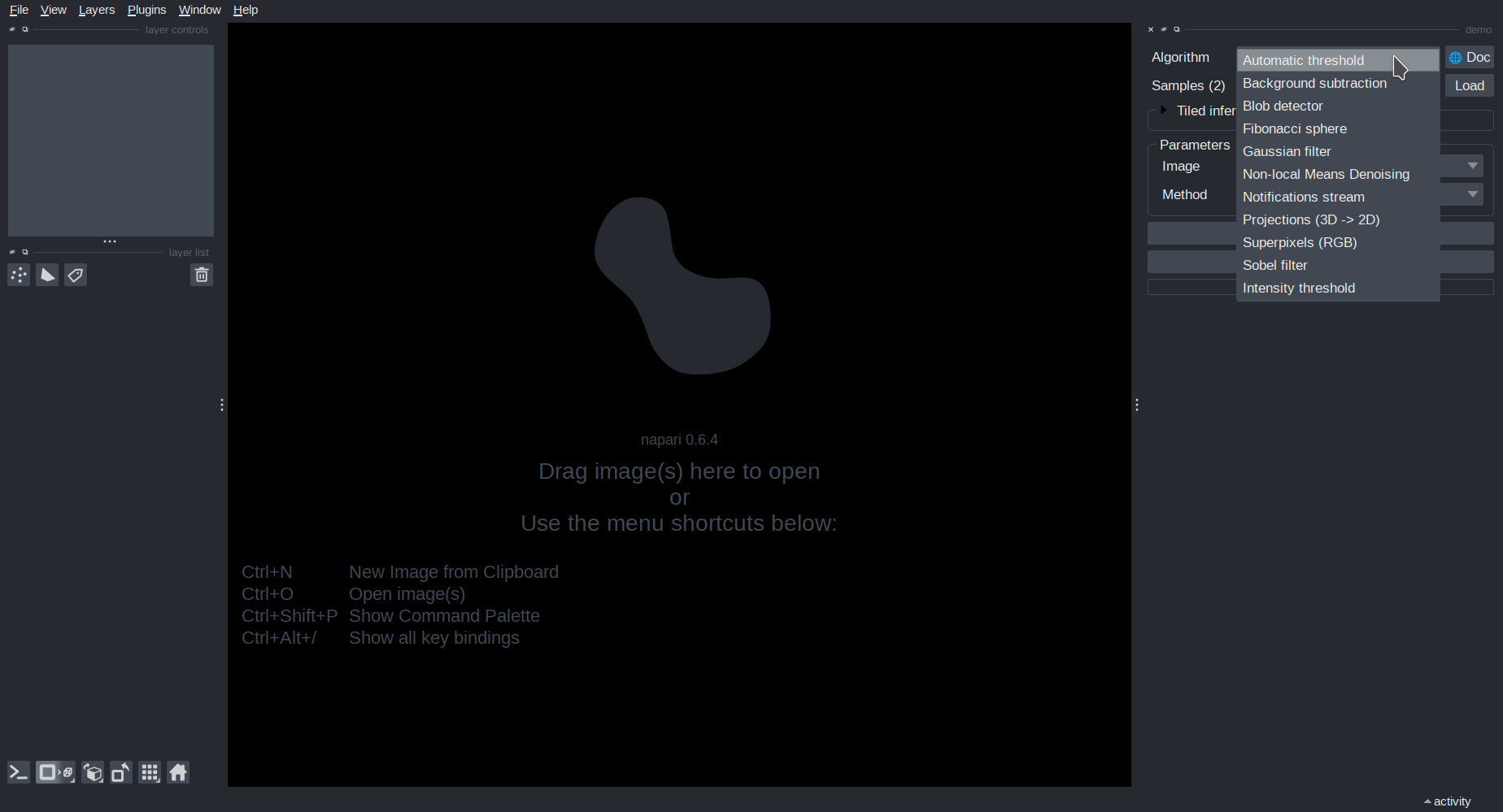
When you select an algorithm, the Parameters panel updates to show the tunable parameters of that algorithm.
Most algorithms need an input image. You can load a sample image by selecting it in the Samples dropdown and clicking Load. Once an image is loaded, you can run the algorithm and look at the results.
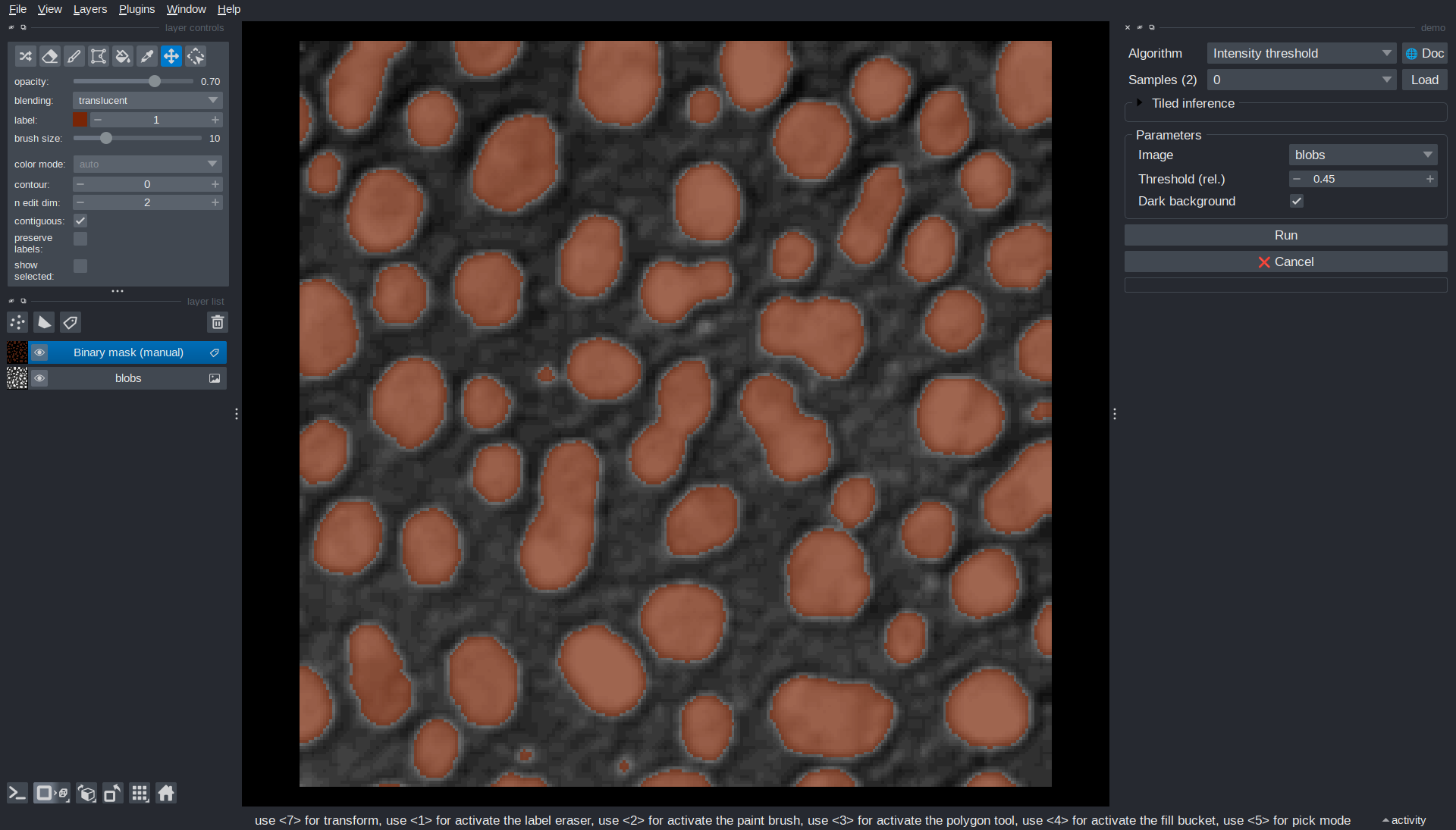
Some algorithms re-run automatically when you change a parameter. For example, Intensity threshold updates its output as soon as you adjust the threshold value.
Algorithm documentation
Click the 🌐 Doc button to open the documentation page of an algorithm in a web browser.
Server demo
To see how algorithms can be served over HTTP, start the demo server:
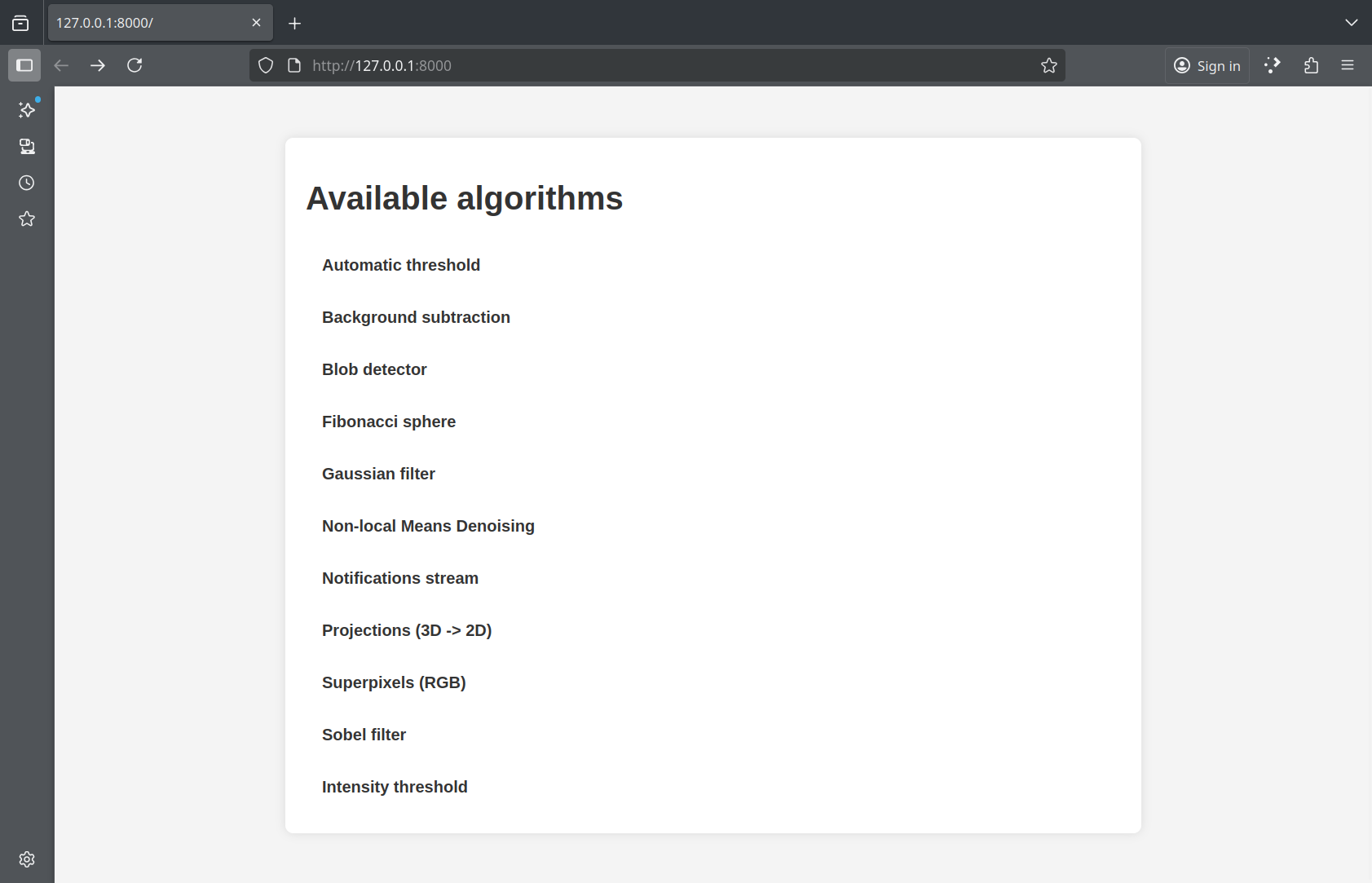
This starts a web server on your machine at http://localhost:8000. If you open this address in a browser, you will see an overview of the algorithms available on the server.
Connecting from Napari
While the server is running, open another terminal and run:
This is equivalent to opening Plugins > Imaging Server Kit > Connect to server in Napari.
In the plugin panel, enter the server address (http://localhost:8000) and press Connect. The Algorithm dropdown fills with the algorithms available on the server, which you can use just like in the local demo.
Note
In this demo, the client and the server run on the same machine. The server could just as well run on another machine of your network, such as a workstation or a cluster node (see Serve an algorithm).
Connecting from QuPath
Algorithm servers can also be used from QuPath, for segmentation and object detection tasks. See Usage with QuPath for a walkthrough with the demo server.
Next steps
Learn how to create your own algorithm, so that it can be served and used in Napari just like the demos.